

Description
Product Title:
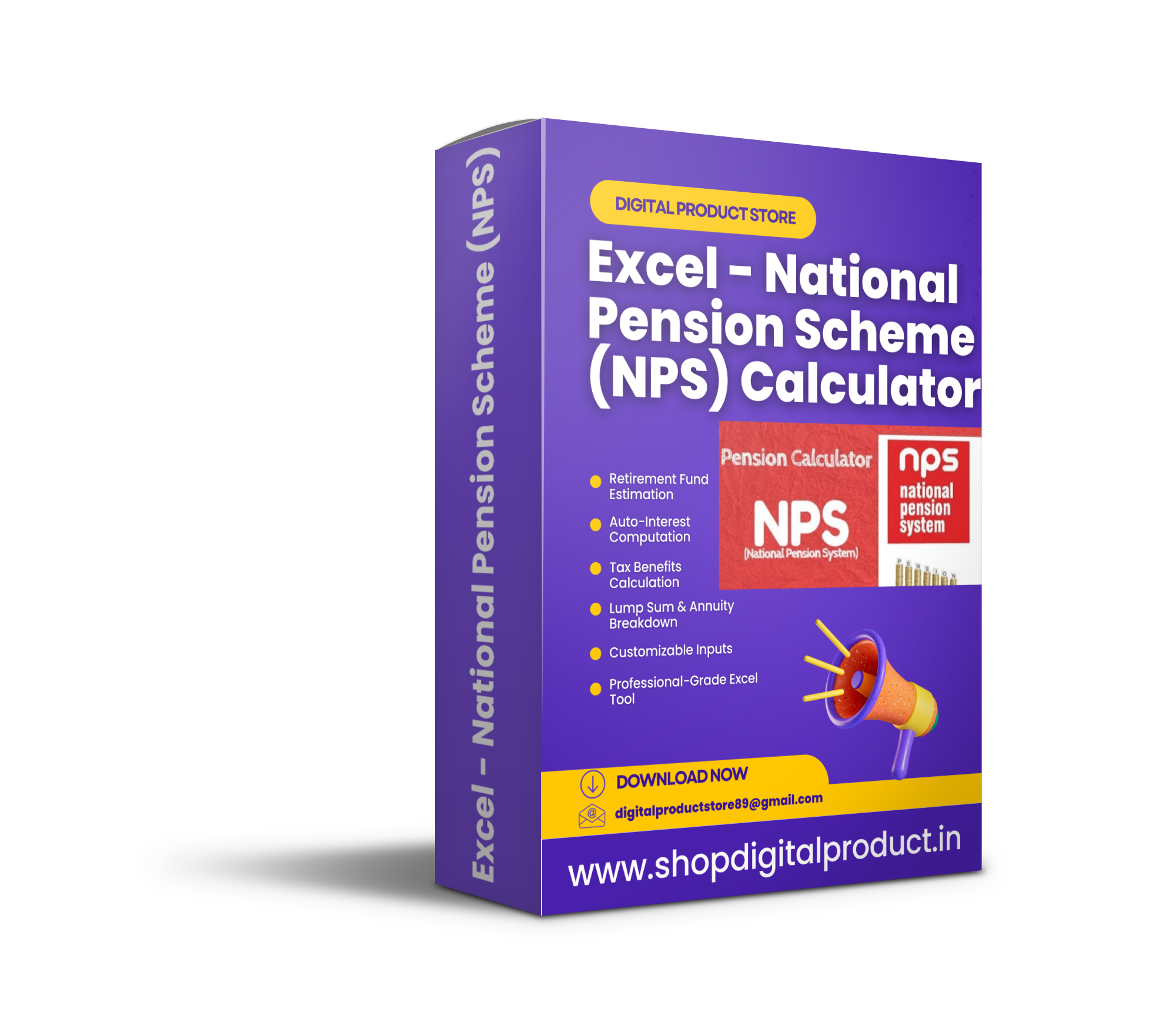
📈 Excel – National Pension Scheme (NPS) Calculator 💰
File Details:
- File Format: Microsoft Excel (.xlsx)
- Sheet Name: “Sheet1”
- Compatibility: Works with Microsoft Excel, Google Sheets (with adjustments)
Features:
✅ Retirement Fund Estimation – Calculates total corpus based on monthly contributions.
✅ Auto-Interest Computation – Computes returns using expected interest rates.
✅ Tax Benefits Calculation – Includes deductions under Section 80CCD(1), 80CCD(2), and 80CCD(1B).
✅ Lump Sum & Annuity Breakdown – Get a clear view of post-retirement payouts.
✅ Customizable Inputs – Adjust monthly contributions, interest rates, and tenure to plan better.
✅ Professional-Grade Excel Tool – Automated formulas for quick and accurate results.
Benefits:
✔ Smart Retirement Planning – Get a clear picture of your NPS savings and future pension.
✔ Tax Savings Analysis – Maximize your tax benefits with real-time deductions.
✔ Track & Optimize Investments – Adjust your NPS contribution to reach your financial goals.
✔ User-Friendly & Automated – Just enter values in purple-colored cells, and the sheet does the rest!
Preview of Calculation Fields:
- Monthly Contribution Amount
- Expected Interest Rate (%)
- Number of Years Until Retirement
- Total NPS Corpus at Retirement
- Annuity & Lump Sum Withdrawals
- Tax Benefits & Savings Summary
How to Use After Purchase:
💡 Only edit the purple-colored cells—enter:
1️⃣ Monthly Contribution Amount
2️⃣ Expected Rate of Return (%)
3️⃣ Retirement Age & Investment Duration
📊 The sheet will instantly compute your final corpus, pension annuity, and tax savings.
Ideal For:
✔️ Salaried Employees & Self-Employed Individuals – Plan NPS contributions for retirement.
✔️ Financial Advisors & Tax Planners – Quick calculations for clients.
✔️ Investors Looking for Retirement Savings Options – Compare different scenarios.
✔️ Anyone Planning a Secure & Tax-Efficient Retirement!



Reviews
There are no reviews yet.